Version 5.7.0
The new version of Provacy is now available.
As always, these developments are partly the result of your feedback and improvement requests. We thank all users who actively contribute, through their suggestions, to the ongoing development of the platform.
A new approach to risk and compliance management
The Processing form has been enhanced with a new Risk tab.
It automatically calculates two new indicators:
Detected risk level
Compliance level
The risk level measures the processing activity’s exposure, while the compliance level assesses how well the applicable obligations are being met.
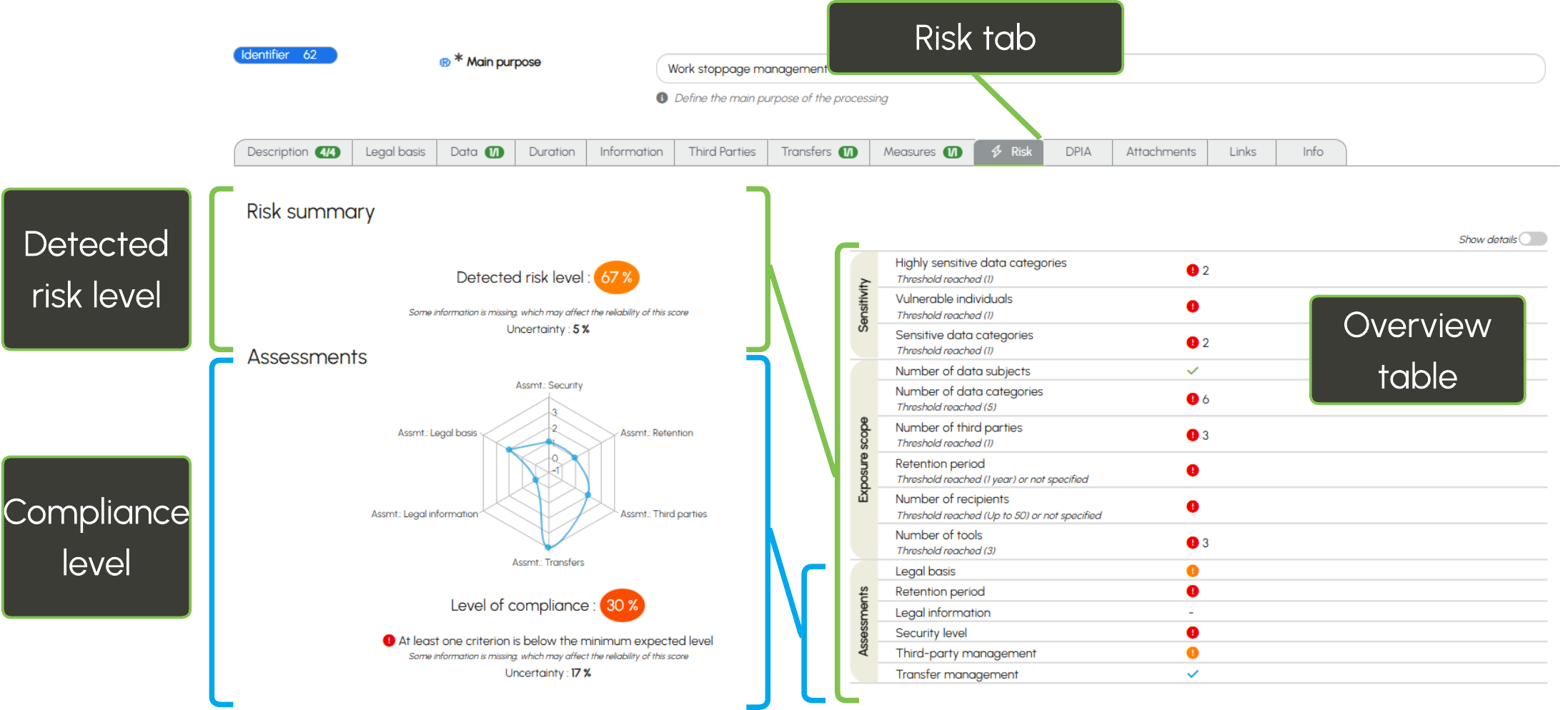


Automatically calculated from the information entered in your forms, particularly the data table and assessments, these indicators are supported by a summary table designed to identify risk factors and prioritise actions.
To learn more, see the practical guide.
Two new indicators on the dashboard
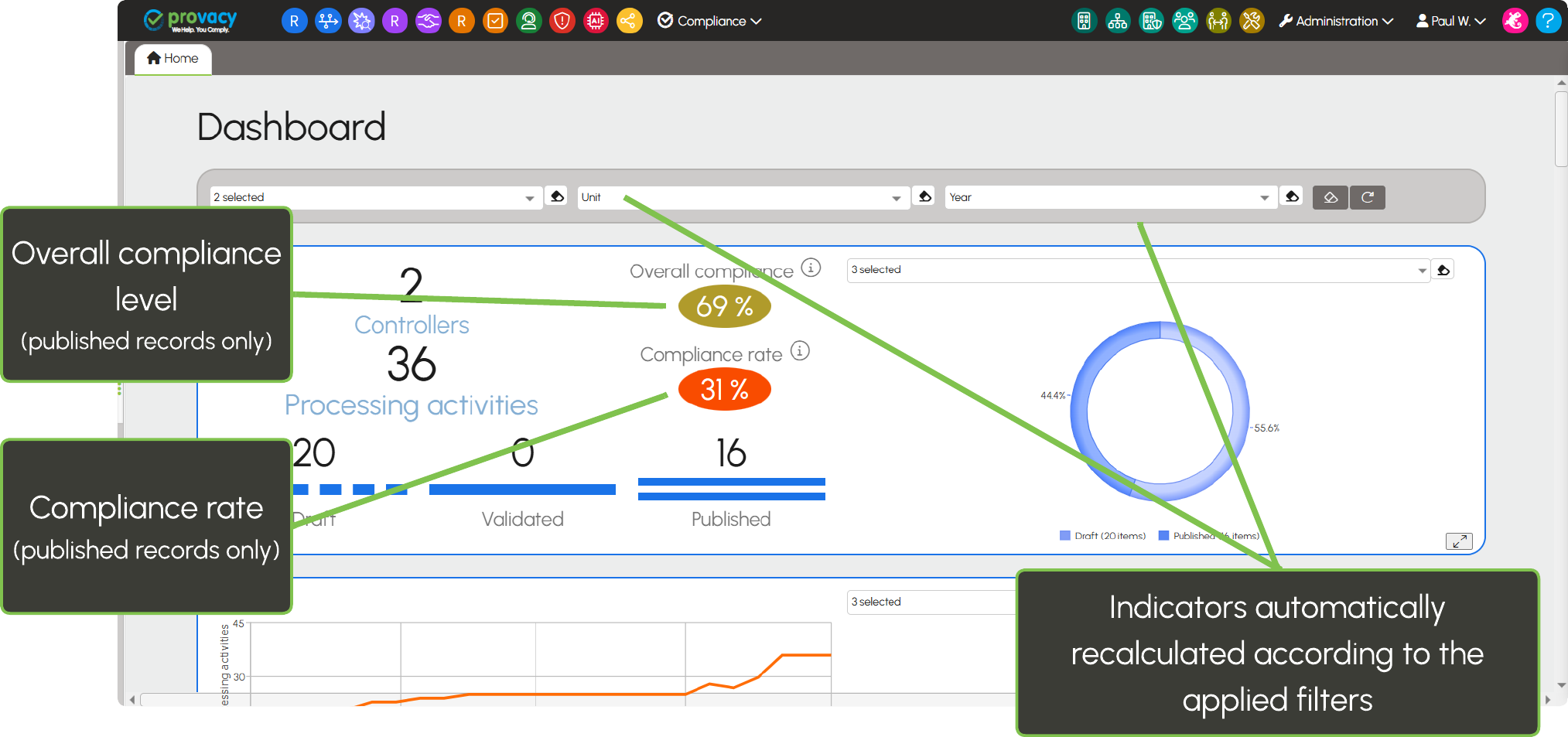
The enhancement relating to the compliance level includes two new management indicators:
Overall compliance level
Compliance rate
The overall compliance level corresponds to the average compliance level of processing activities published in the register, providing a concise overview of your organisation’s compliance status.
The compliance rate corresponds to the proportion of processing activities considered compliant.
This enhancement relies on assessments, which are not systematically completed across all instances. It is therefore available by default on new instances and can be enabled on request by contacting Support.
En savoir plus : niveau de conformité
Simplified DPIA assessment
The DPIA tab in Processing forms has been simplified to align with the three-step decision tree established by the CNIL.
The assessment now follows a clearer and more progressive approach:
- Check whether the processing activity appears on the list of processing activities exempt from a DPIA;
- Check whether it appears on the list of processing activities subject to a DPIA;
- Check whether the processing activity meets at least two risk criteria requiring a DPIA.
This enhancement is intended to make the assessment clearer and easier to apply in practice.
To learn more: DPIA assessment.
Data subject rights management: dedicated field
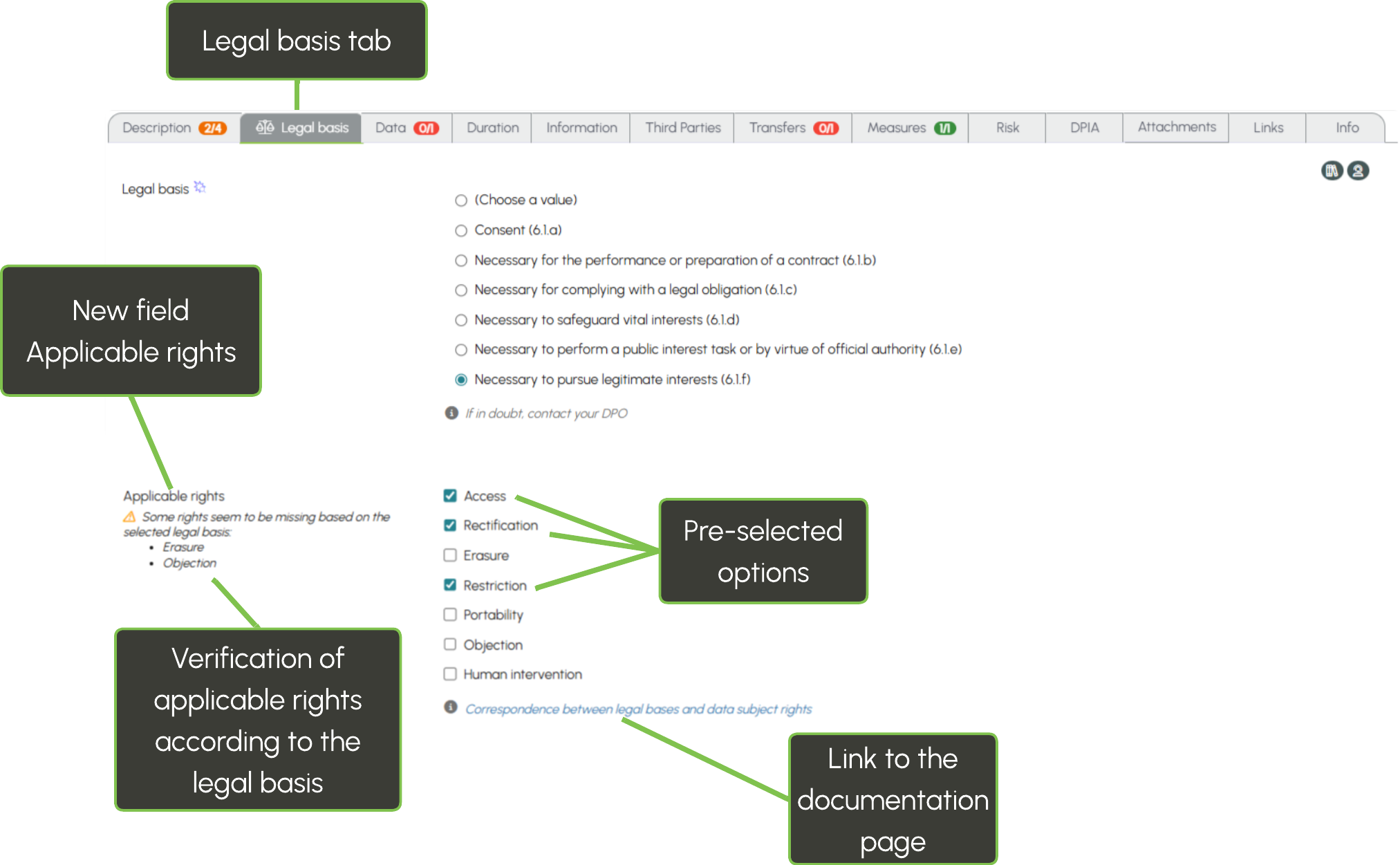
The Legal basis tab now includes a new Applicable rights field.
It allows you to specify directly which rights apply to each processing activity: access, rectification, erasure, restriction, portability, objection or human intervention.
To make data entry easier, certain rights that are generally applicable are pre-selected by default, while a contextual check helps you verify consistency between the selected legal basis and the associated rights.
This field is added automatically during the update and can be removed on request by contacting Support.
A more accessible practical guide
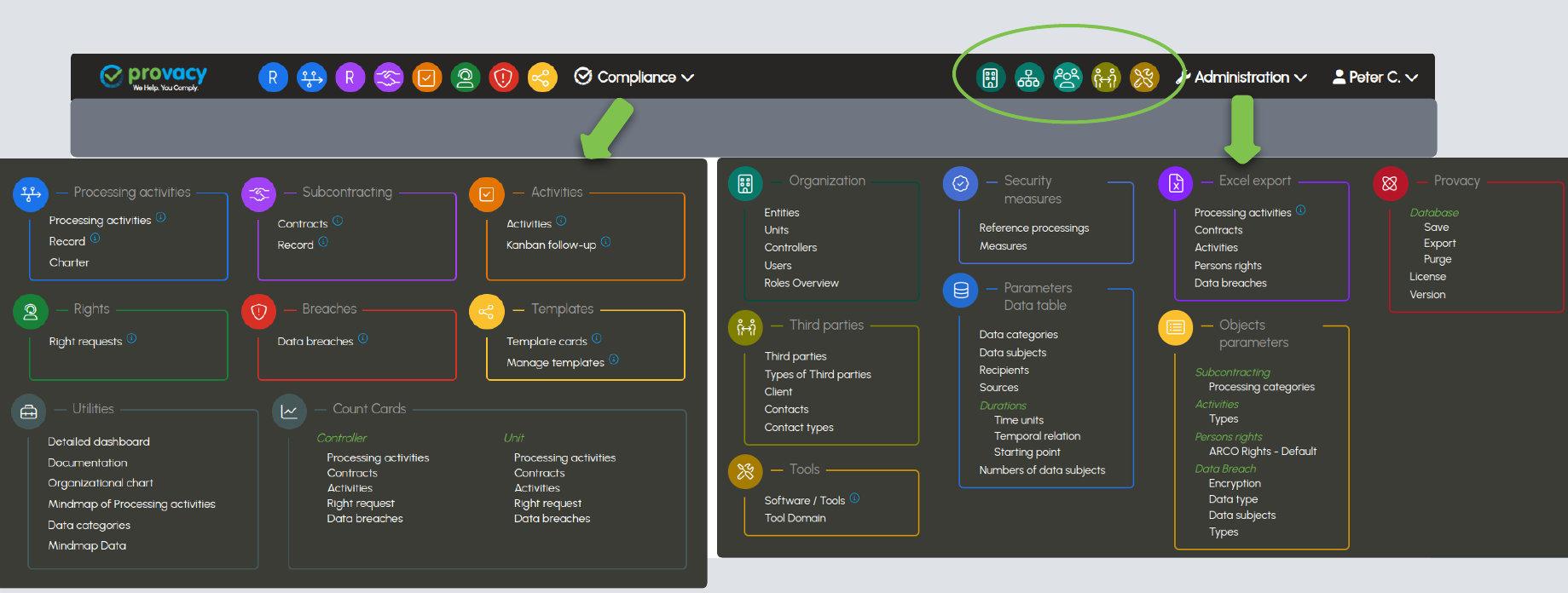
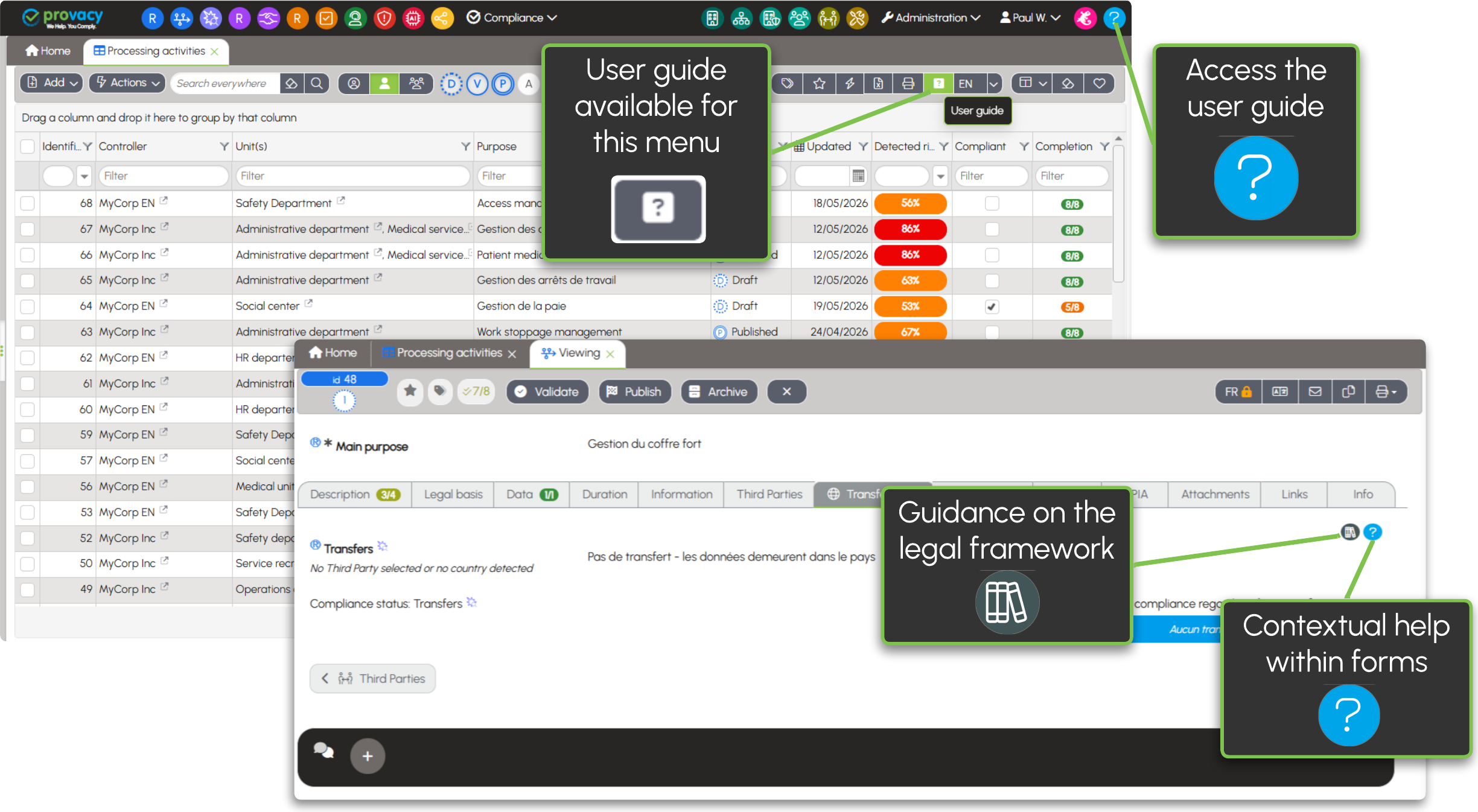
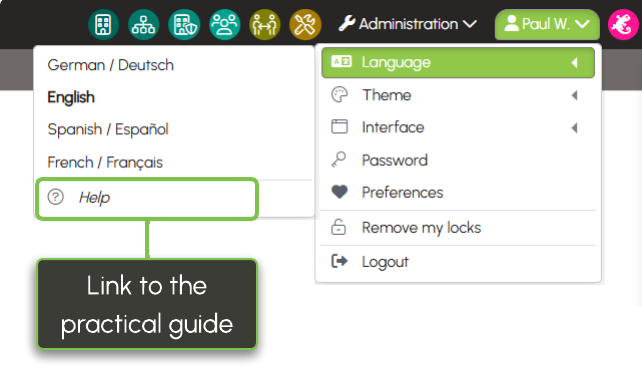
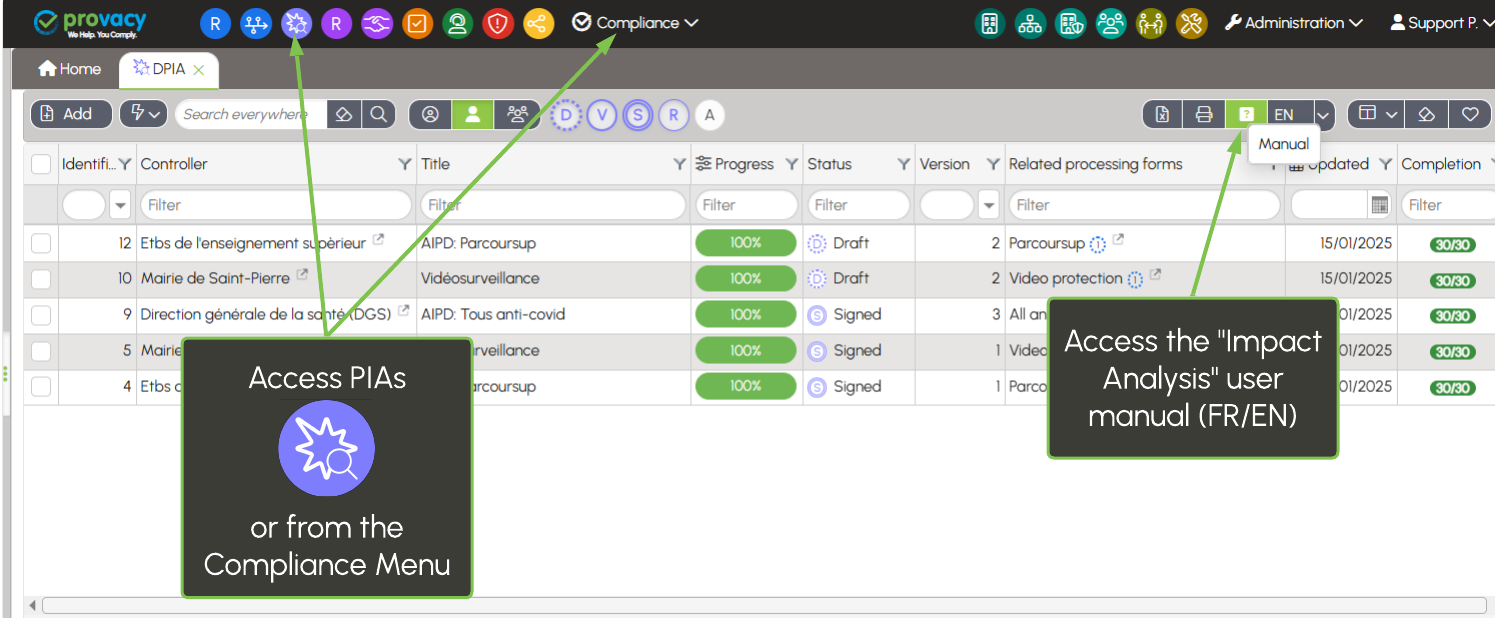
The practical guide is now accessible directly from the main menu.
New contextual links within the forms also make access easier:
 to the practical guide to understand the features;
 to documentation pages dedicated to the applicable legal framework.
The aim: to access useful information more quickly, exactly when you need it.
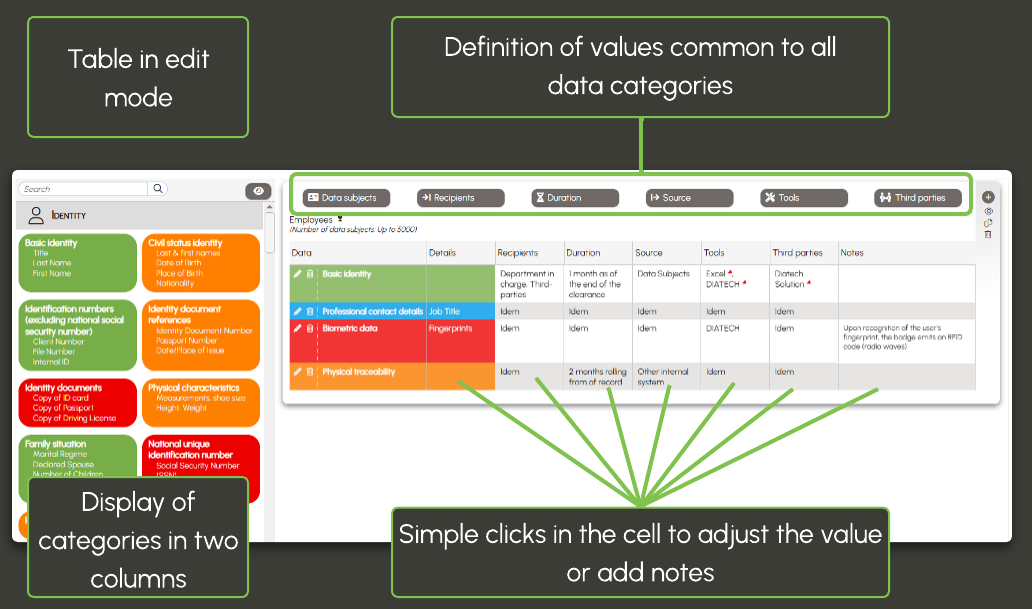
Data table: indication of optional data
The data table has also been enhanced with the ability to indicate whether data is optional when collected.
This information makes it possible to document the conditions under which personal data is collected more precisely.
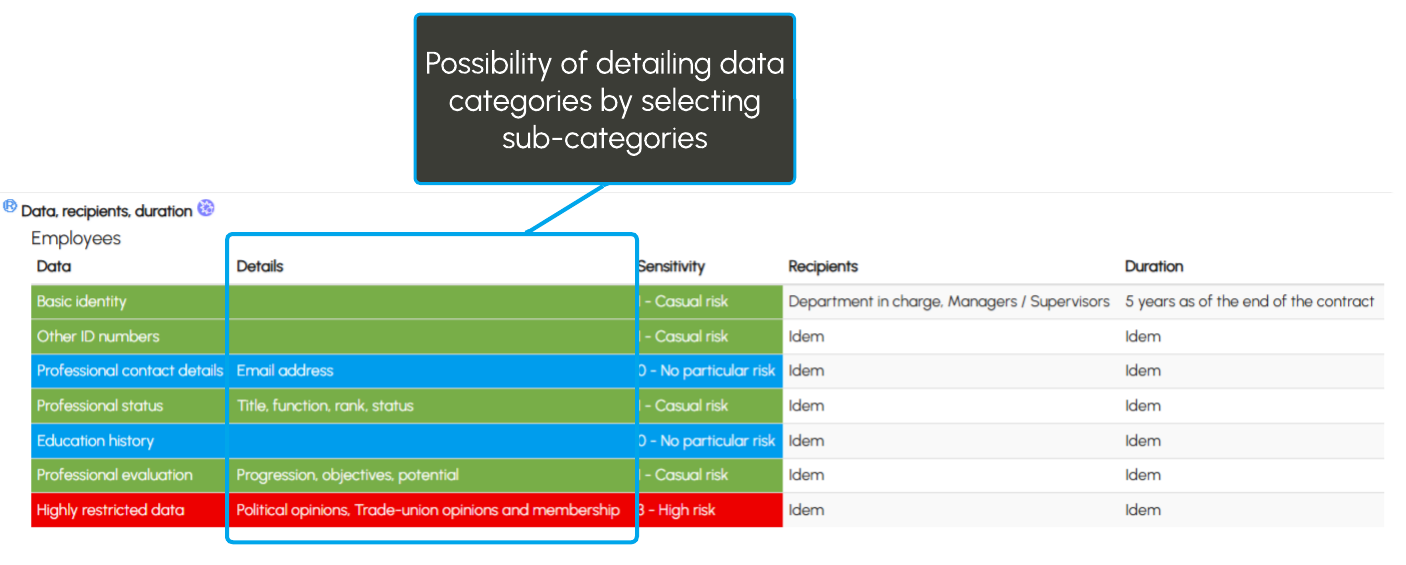
Learn more: details of data categories
Other improvements
This version also includes several additional improvements:
• global deletion of attachments uploaded to an attachment field;
• automatic association of the country's level of protection with the entity.
Stay tuned…
A new generation of security measures management is on the way. You are not ready!
More structured, more comprehensive and designed to go beyond GDPR, towards a truly security governance approach aligned with frameworks such as ISO 27001.
Enjoy discovering this new version of Provacy.

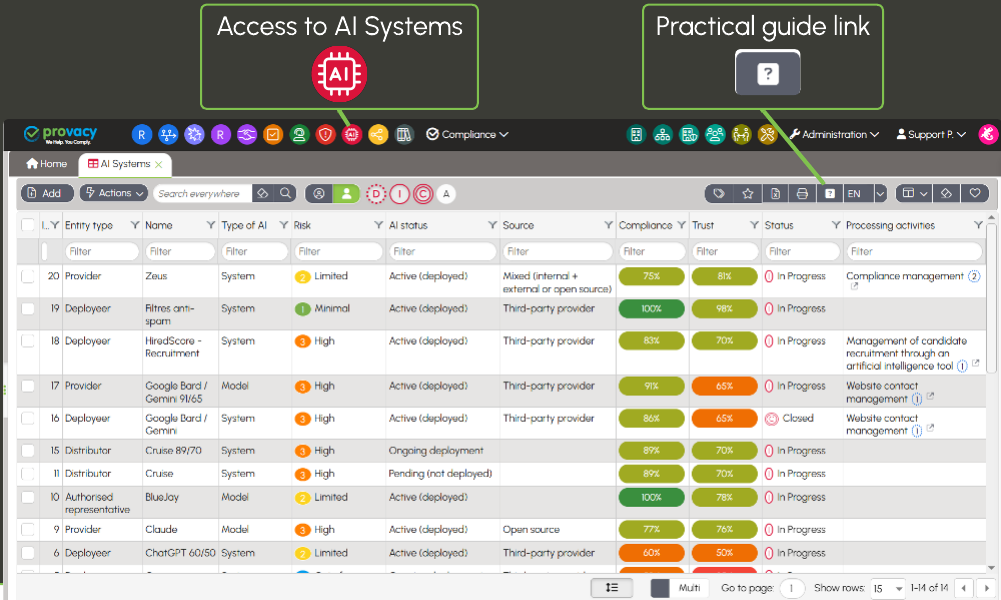
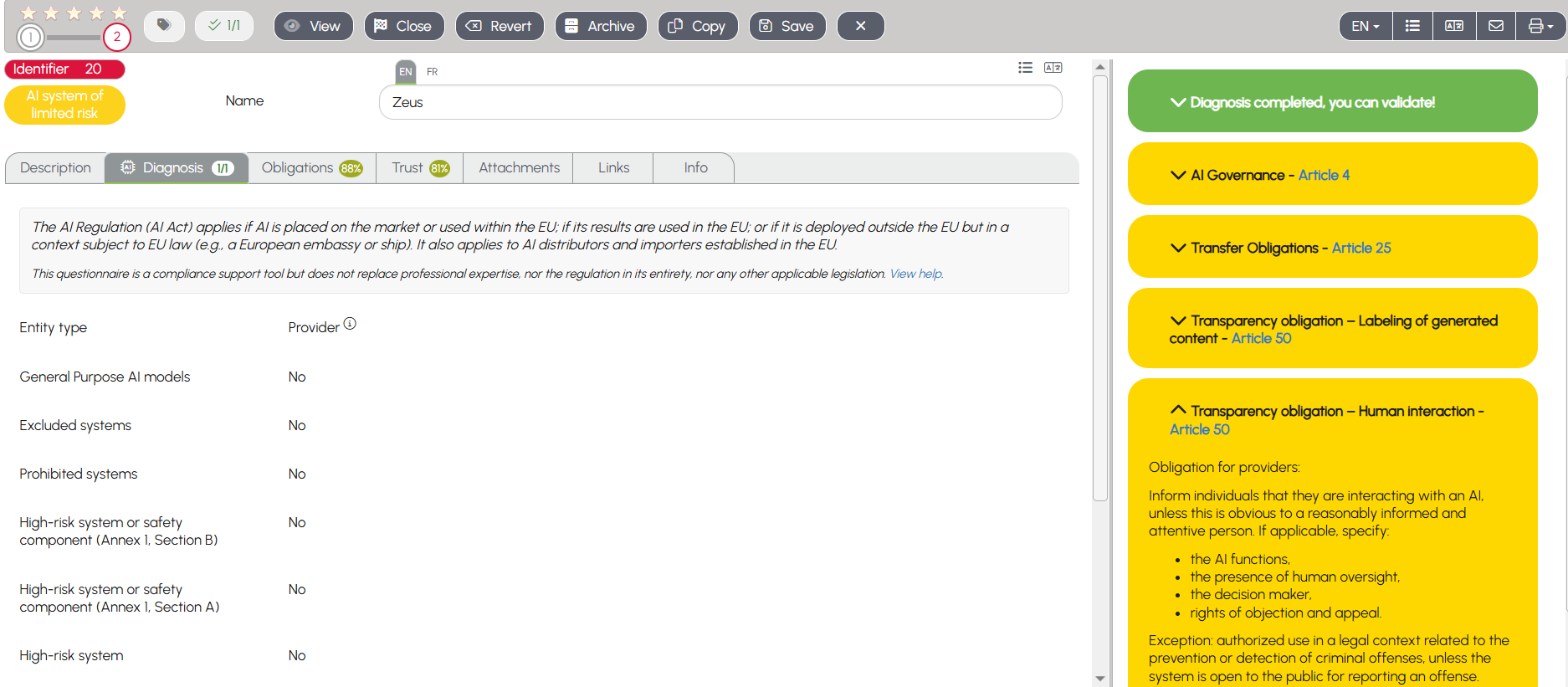
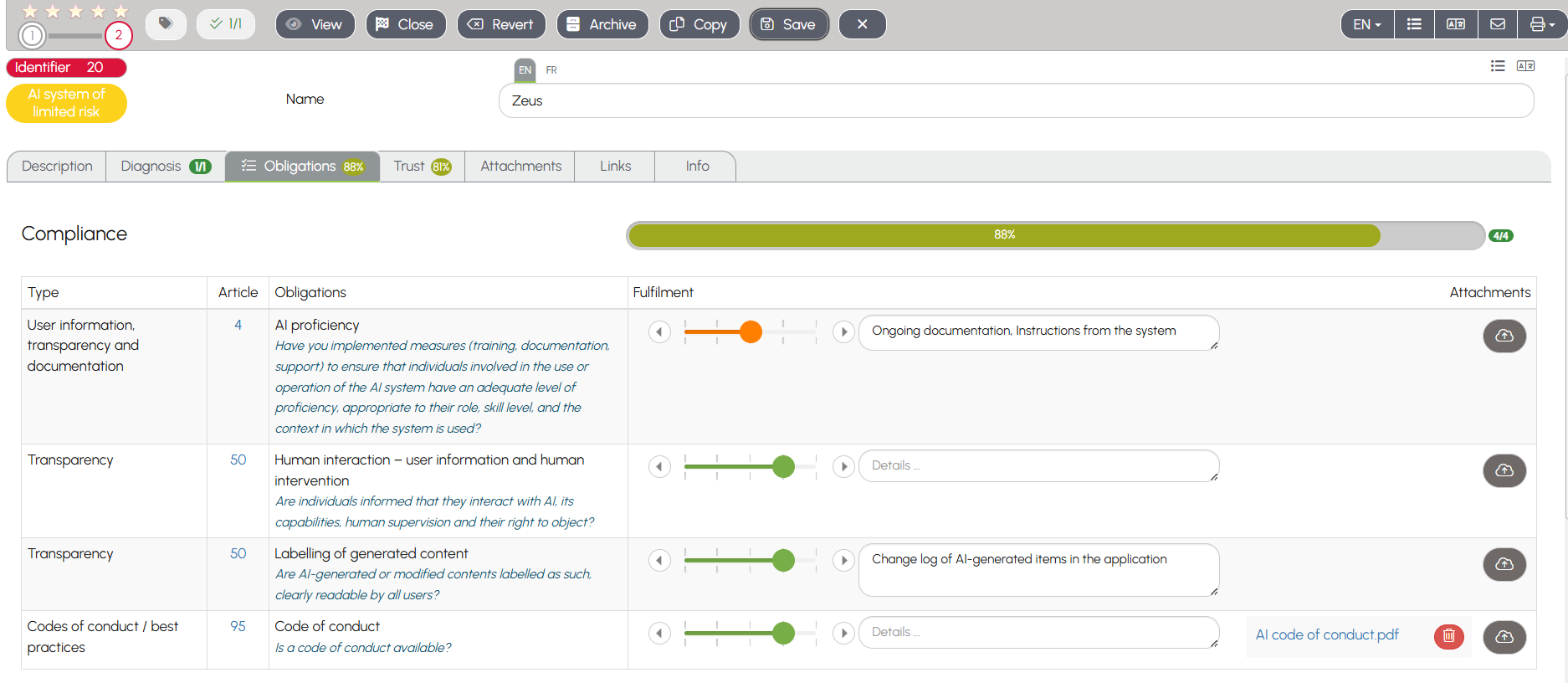
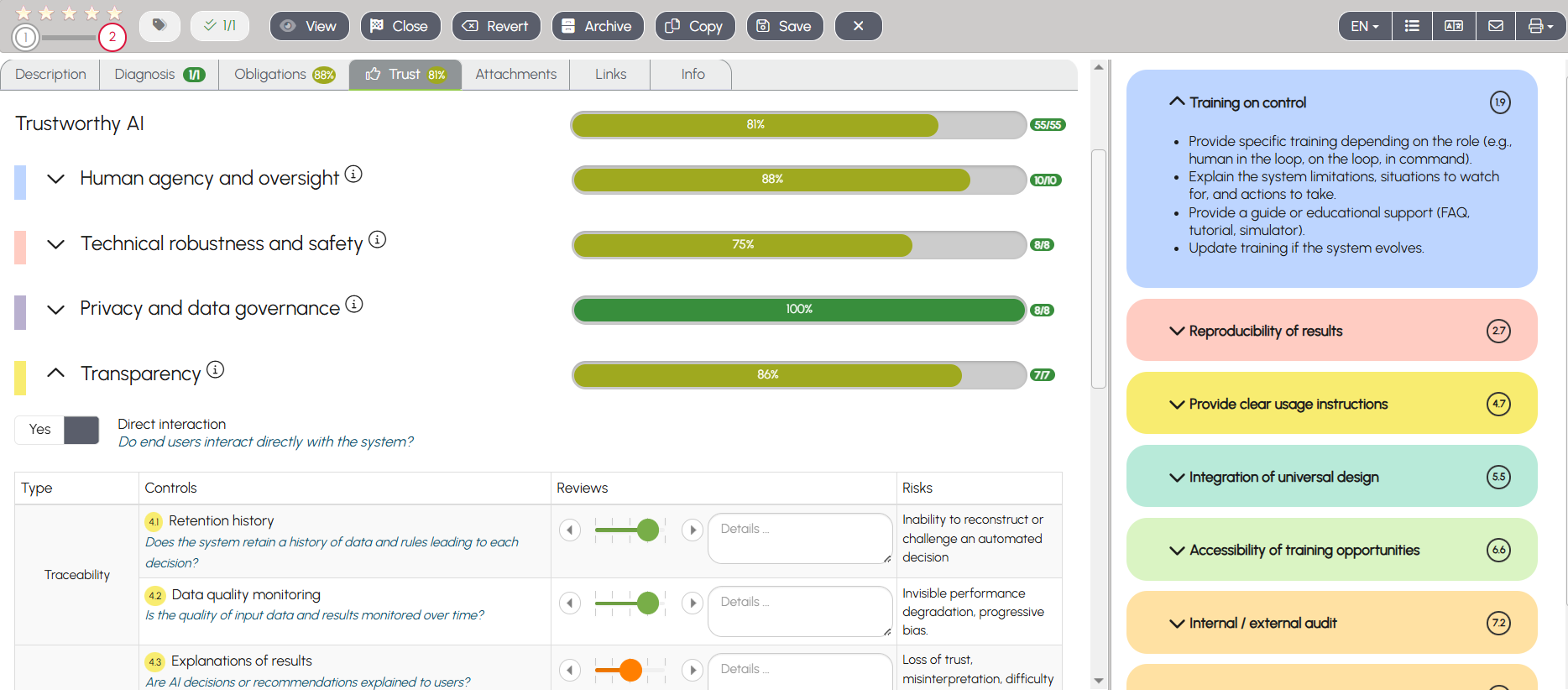
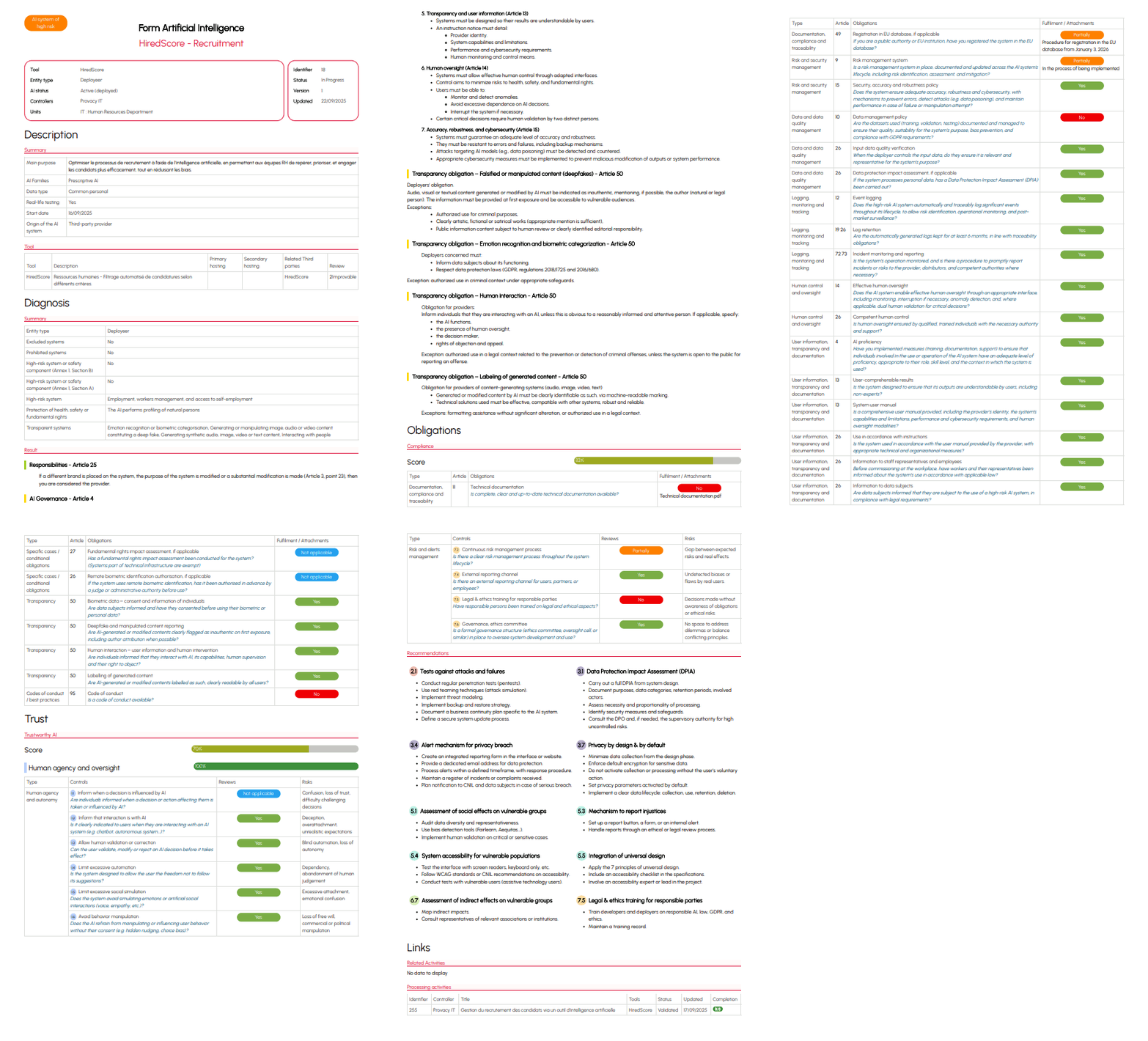
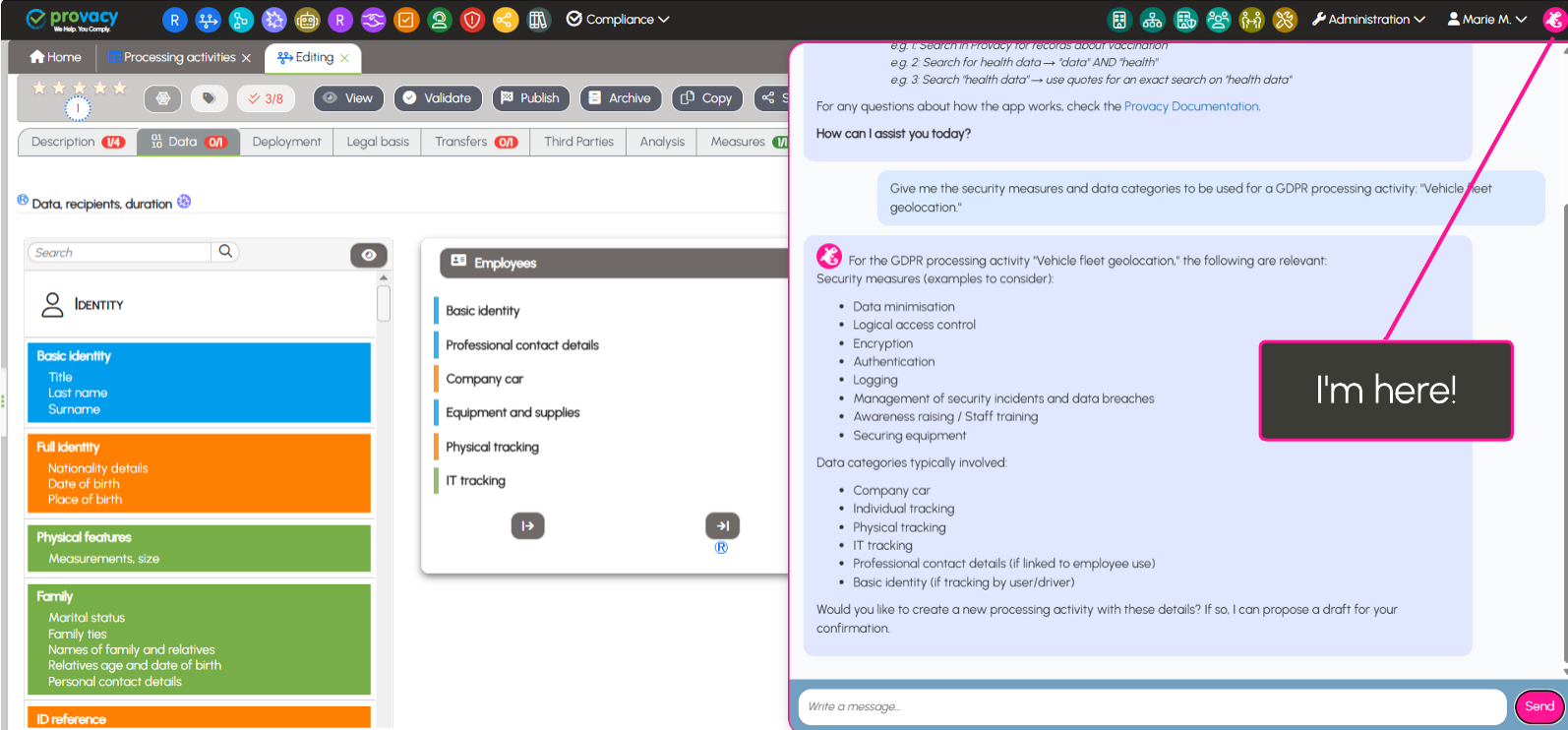
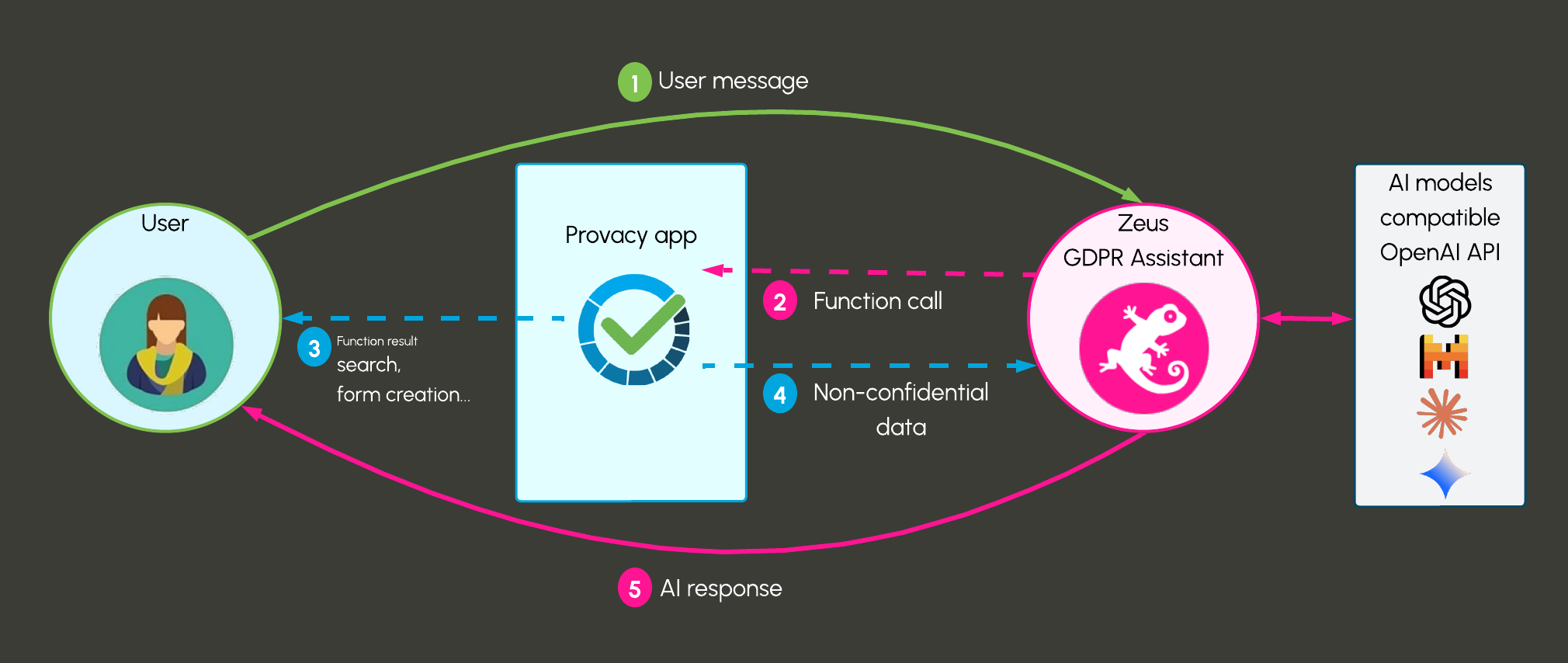
 Zeus, our new AI assistant
 Unified filter for the dashboard
 From the Processing forms
  or Contract
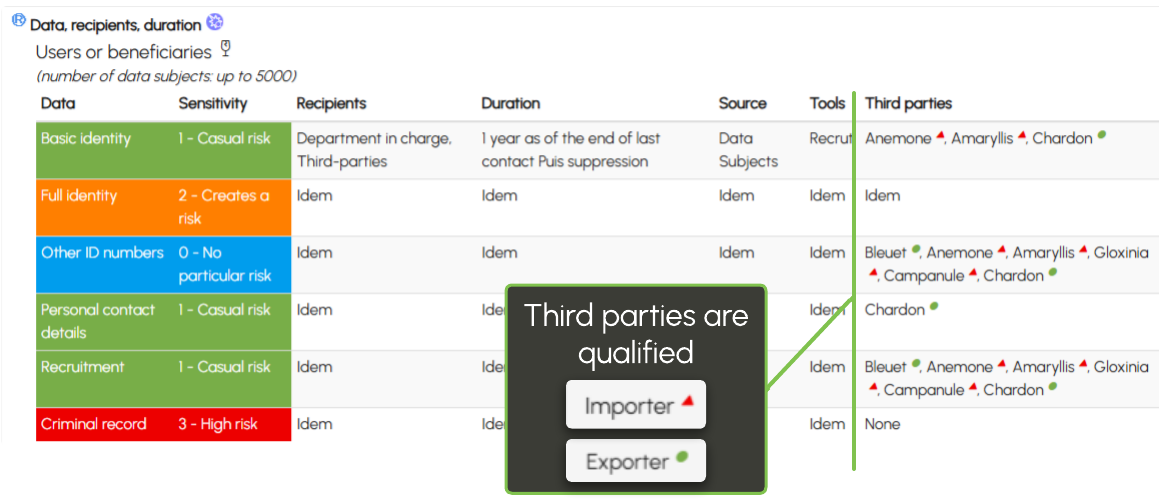
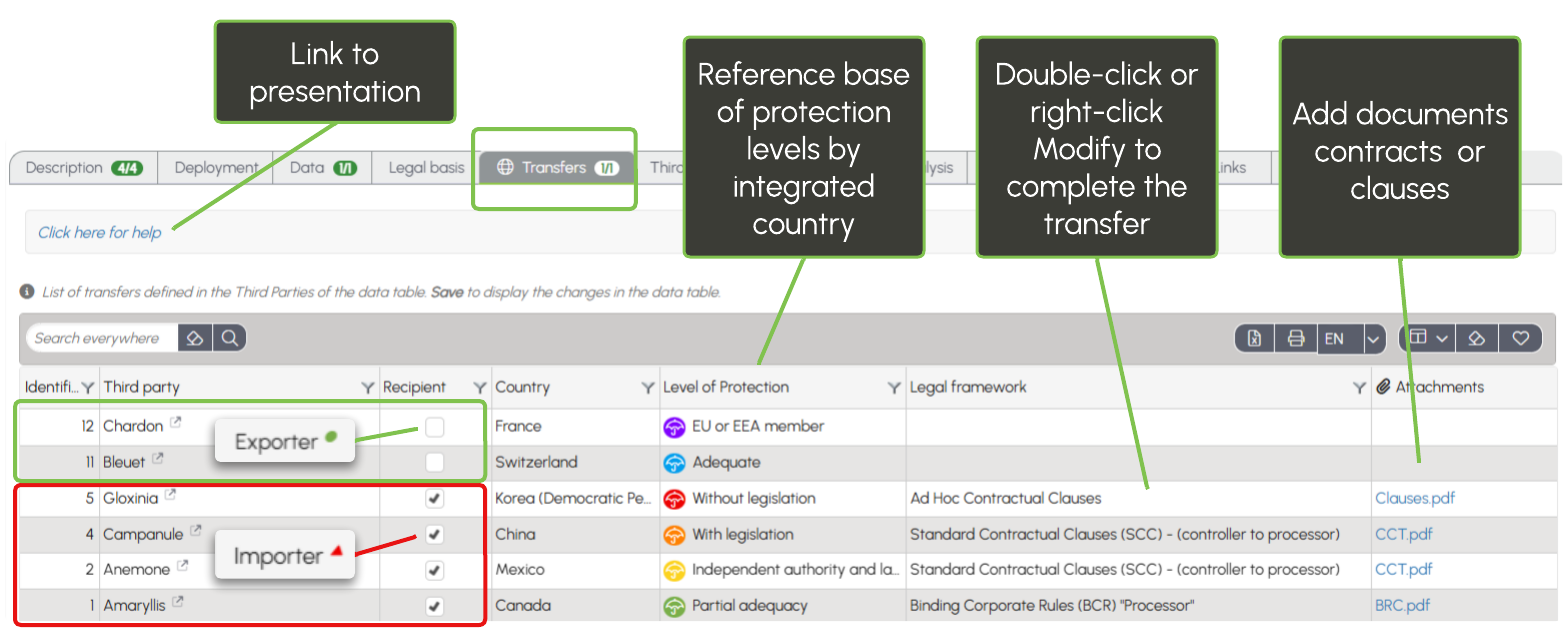
  , the summary of third parties (processors, partners, organizations, etc.) displays their country of establishment from the Processing forms.
 The list of these countries is now visible under the Transfers field label.
 Alert messages highlight inconsistencies in responses to potential transfers.. Indeed, third parties are not necessarily importers or recipients of the data; they can also be exporters or the originators of the data.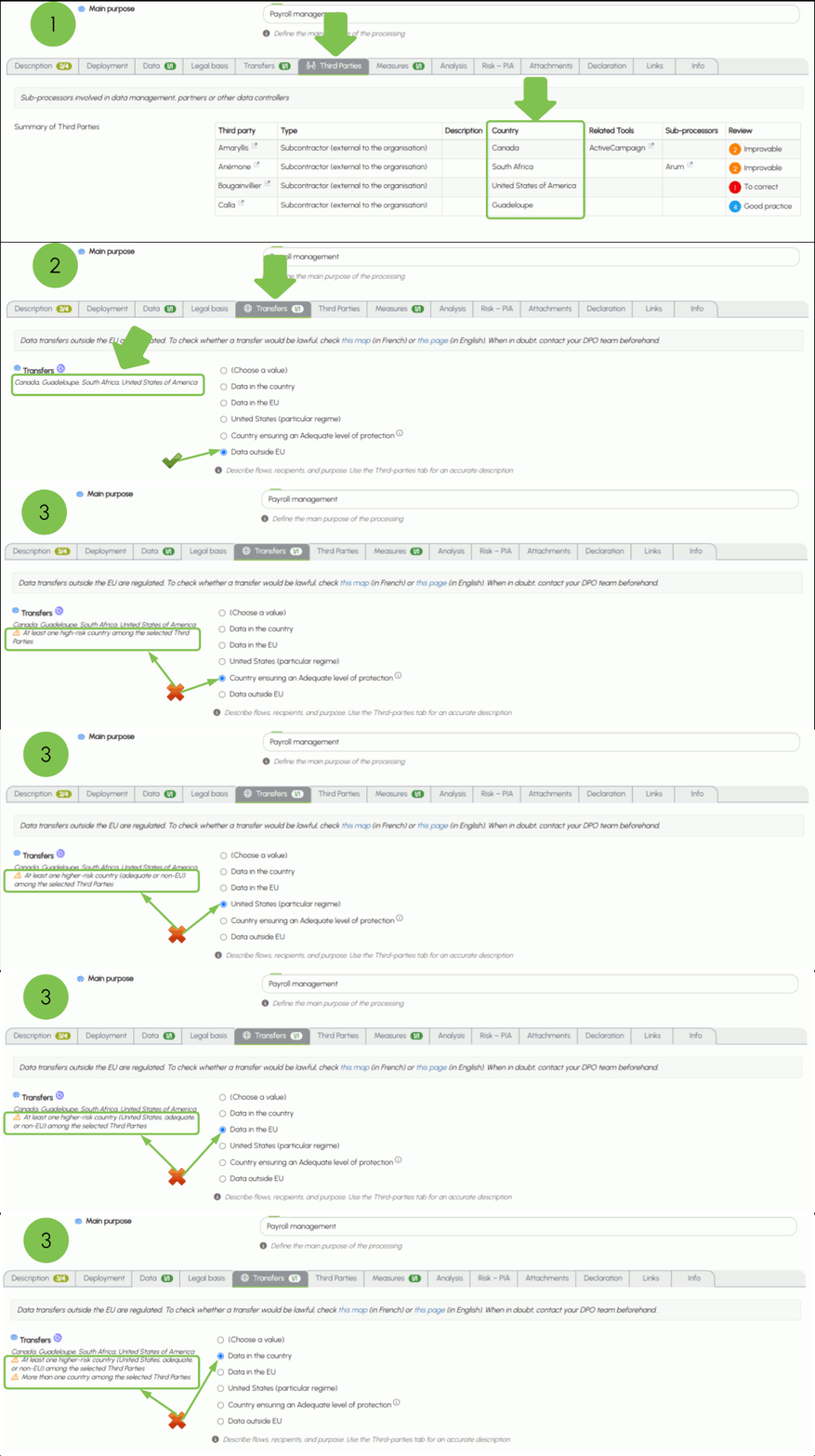
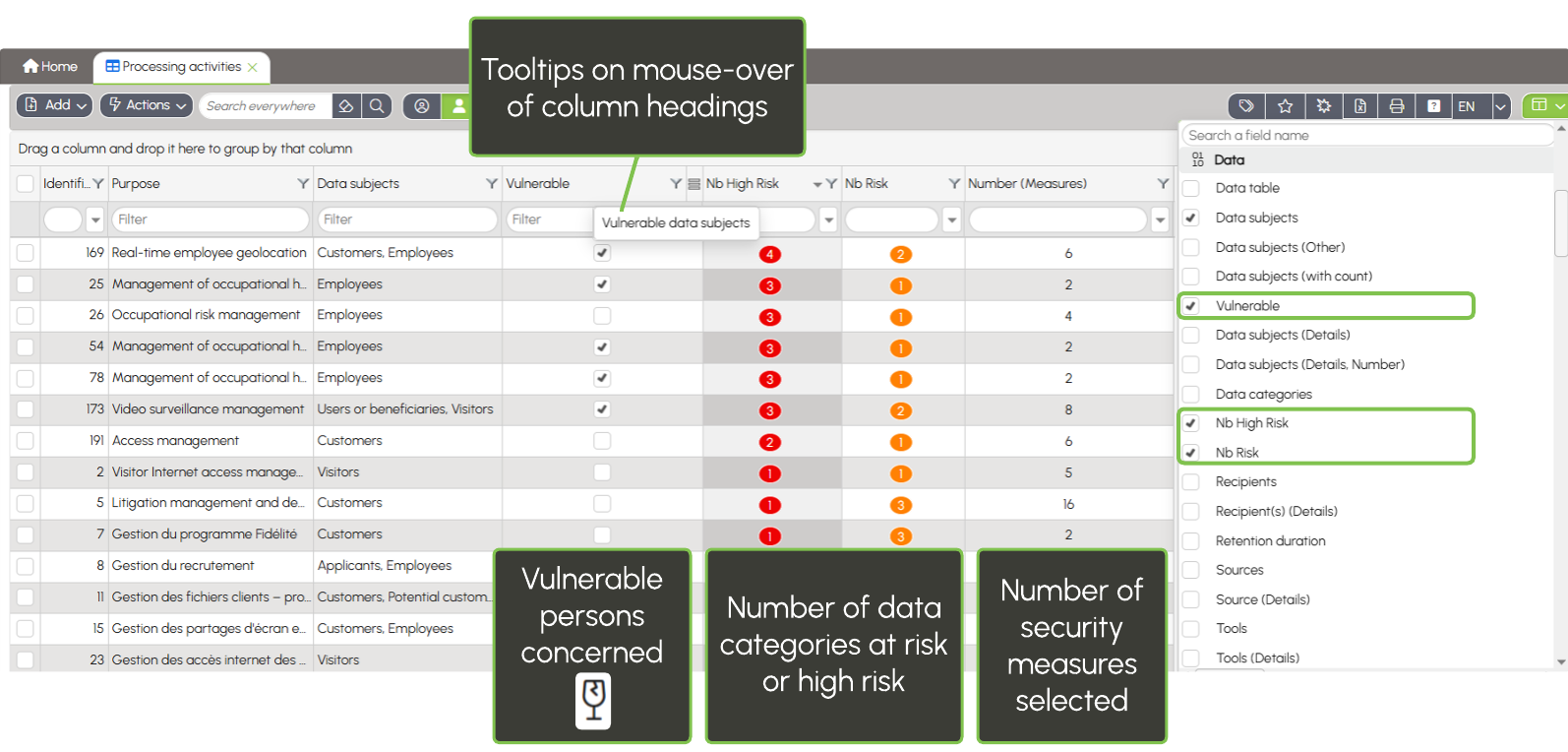
 You can verify the consistency of your responses by displaying the column.
  on the list: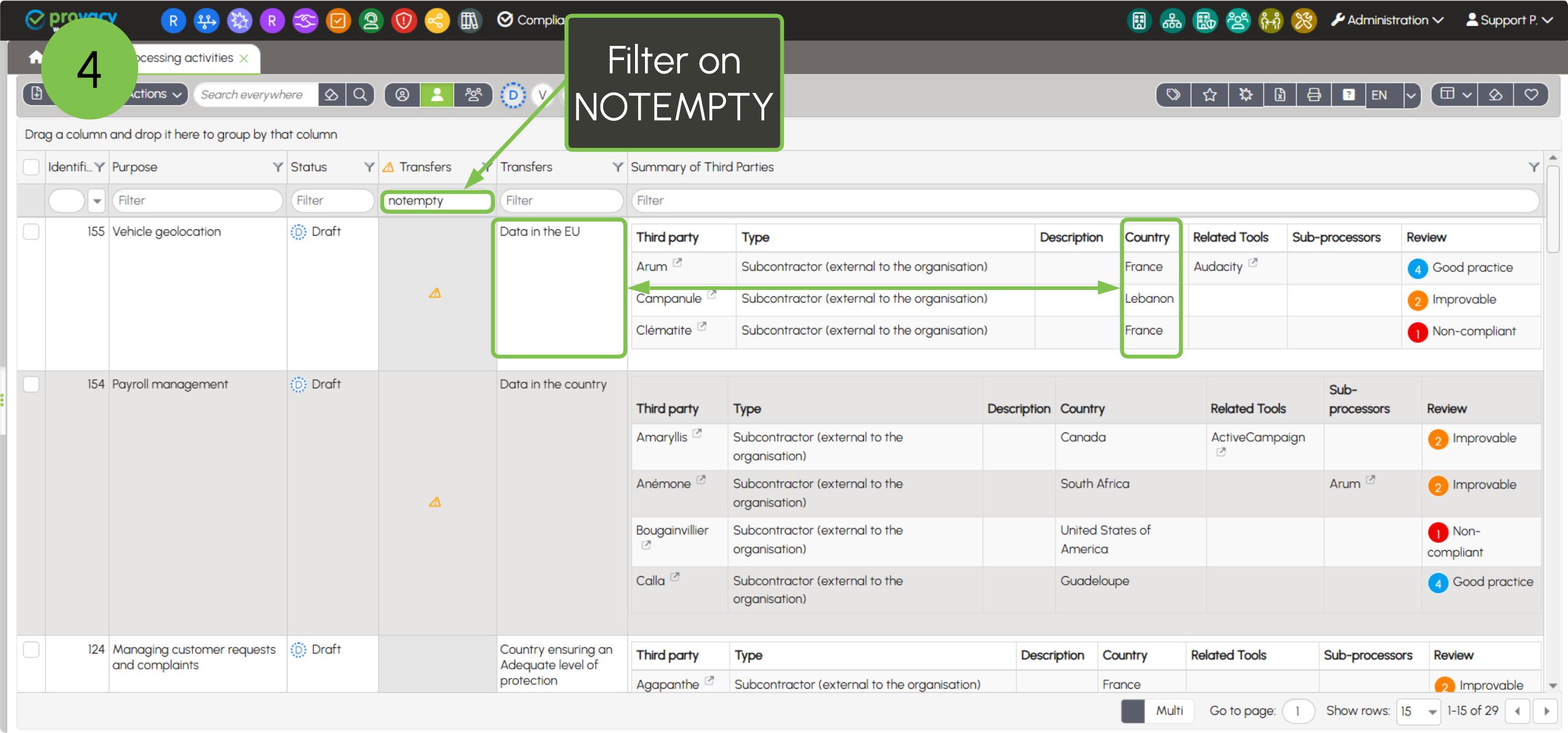
 or third party
  It is possible to fill in these fields from the list by pressing CTRL + Click on the box.
 , "Improvable"
 , "Acceptable"
  or "Good practice"
 to third parties or tools from the Links tab.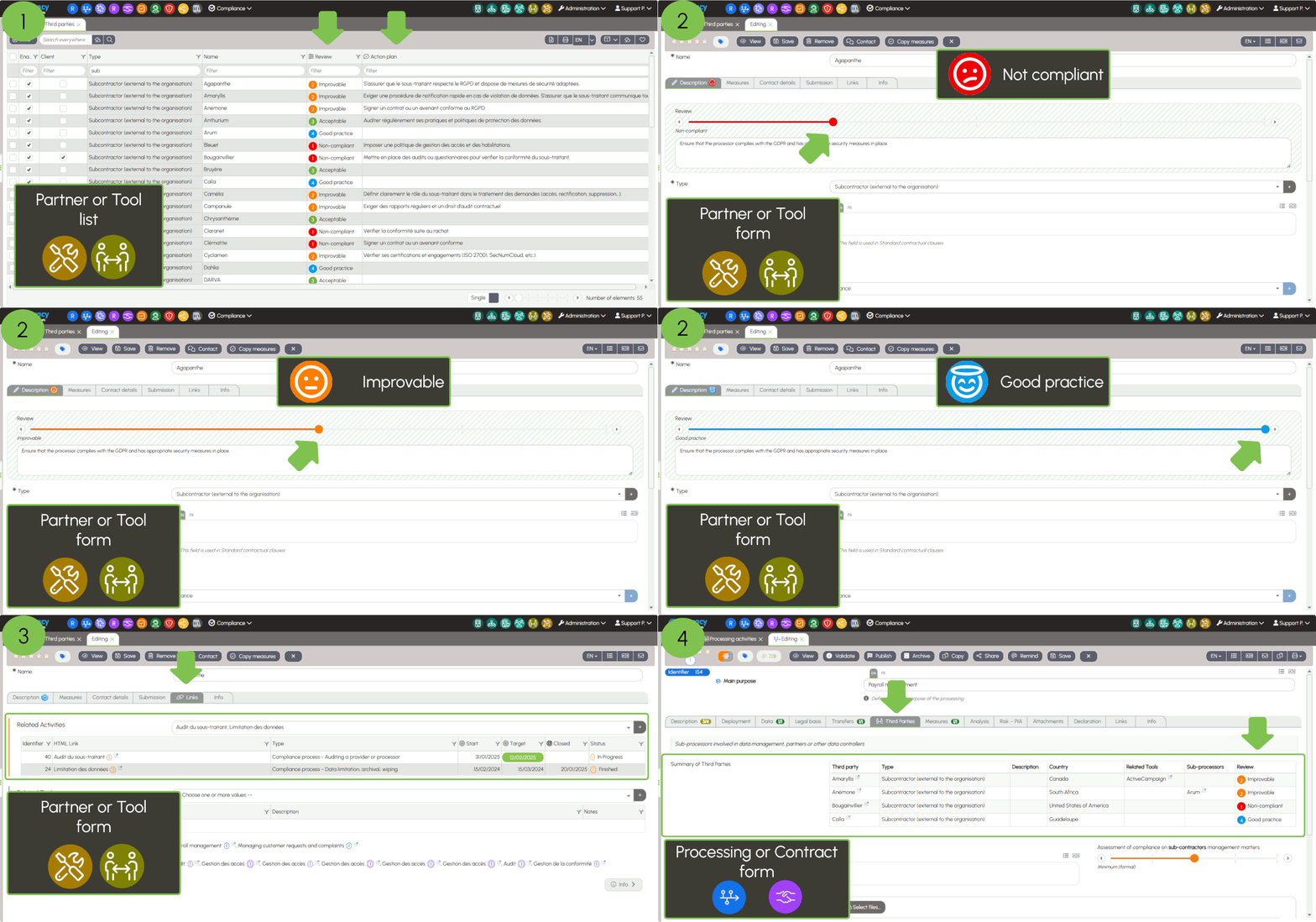
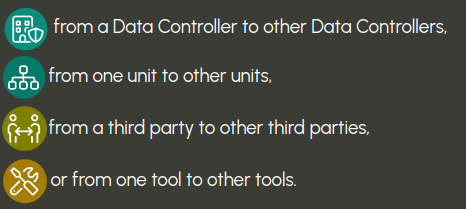
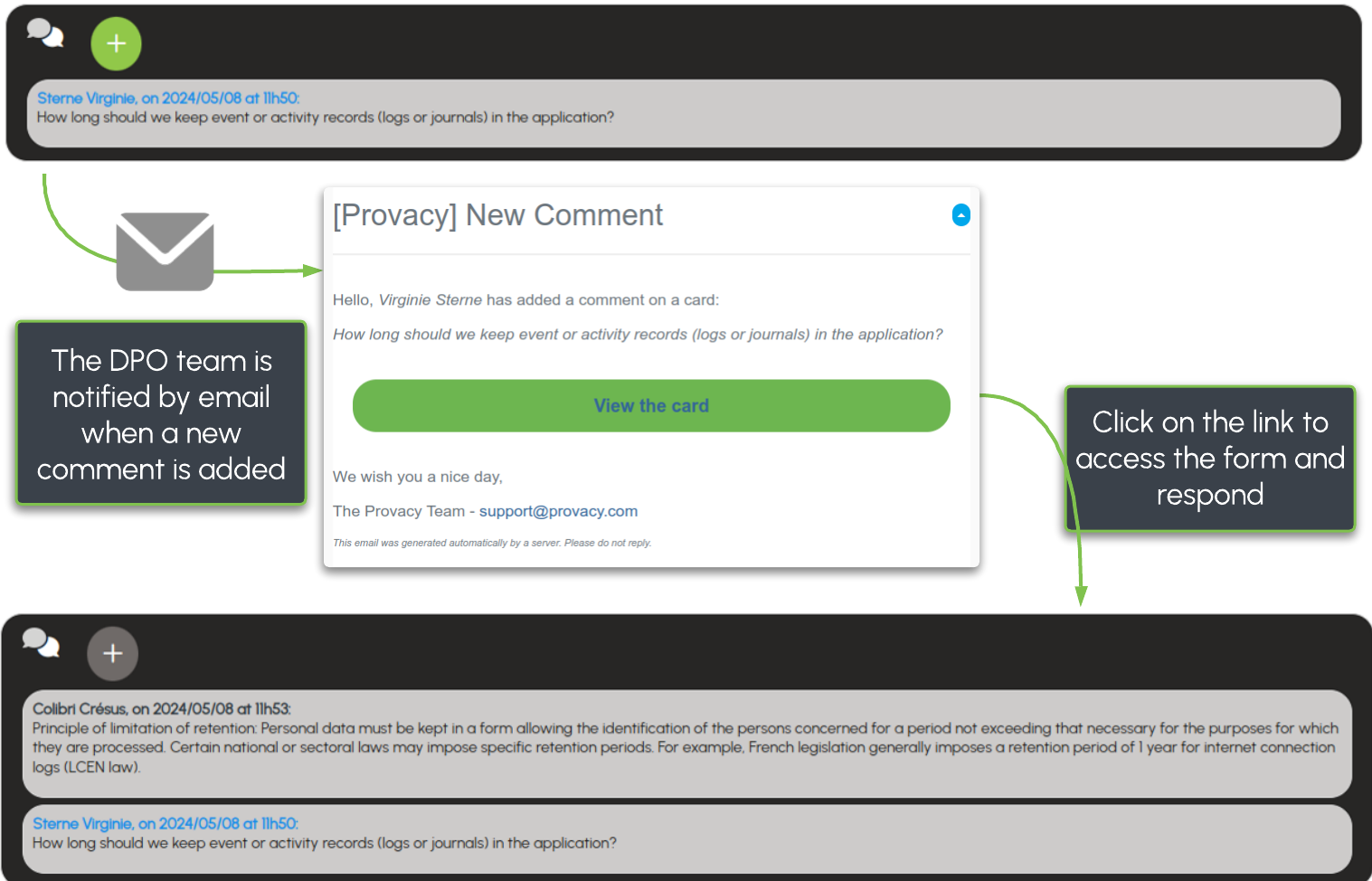
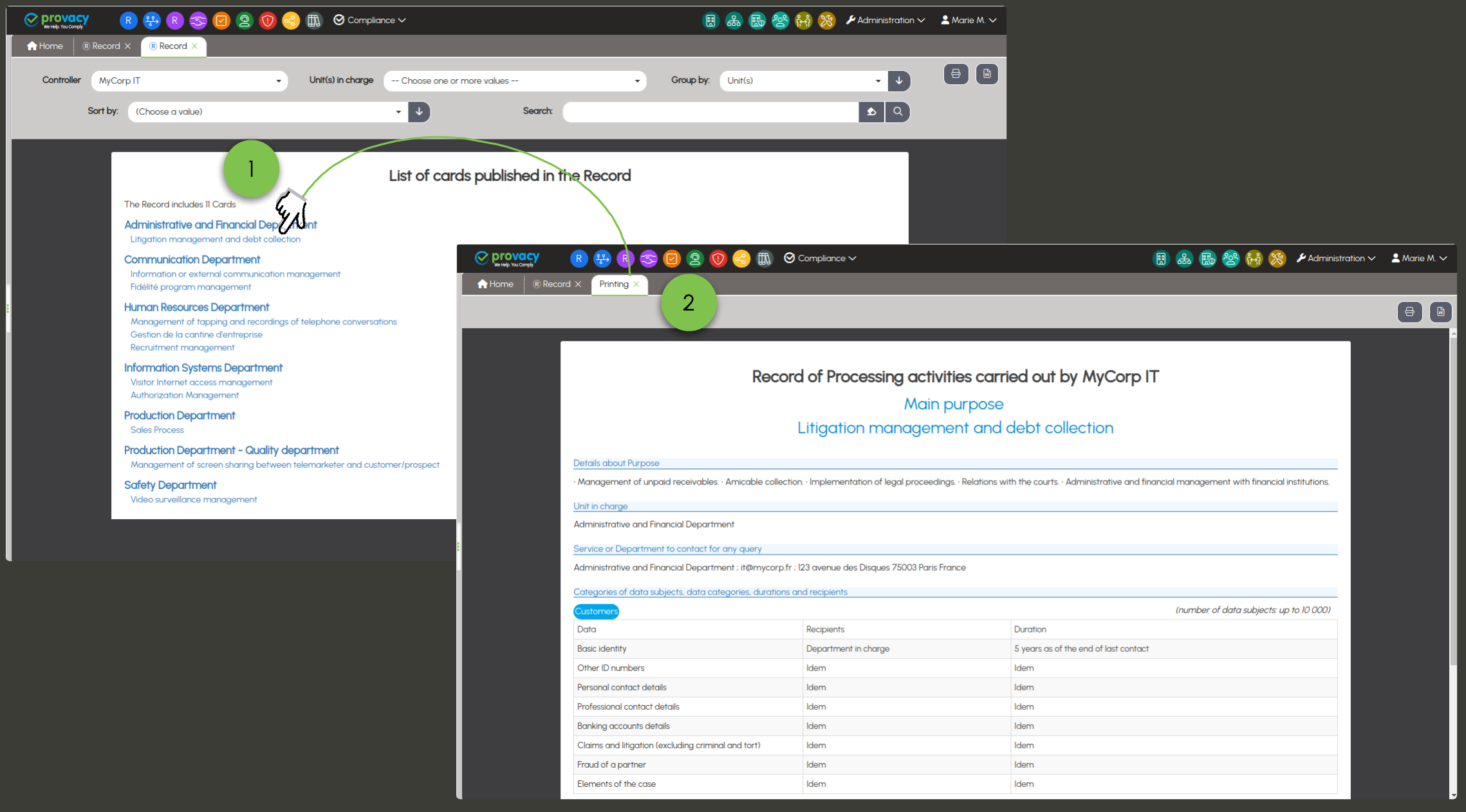


 there's a small revolution that rethinks how Provacy is used. A contact interface designed for easy communication with the outside world. An email address is all you need for:



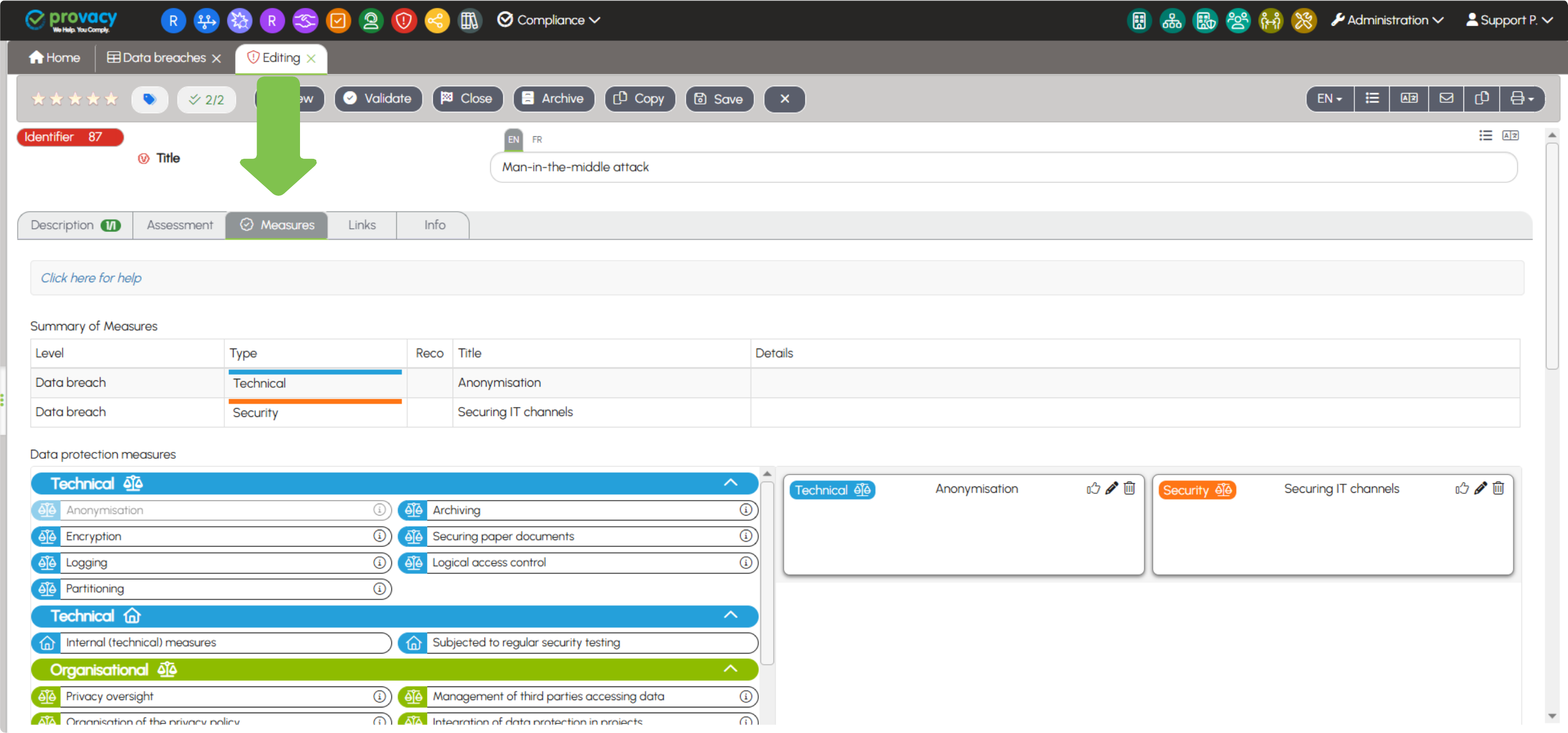
 Enhancement of the Data Breaches Form
 Tab : Origin and Cause of the Incident. The Type field now offers 3 new responses with dependent fields: Integrity Loss, Confidentiality Loss, Availability Loss.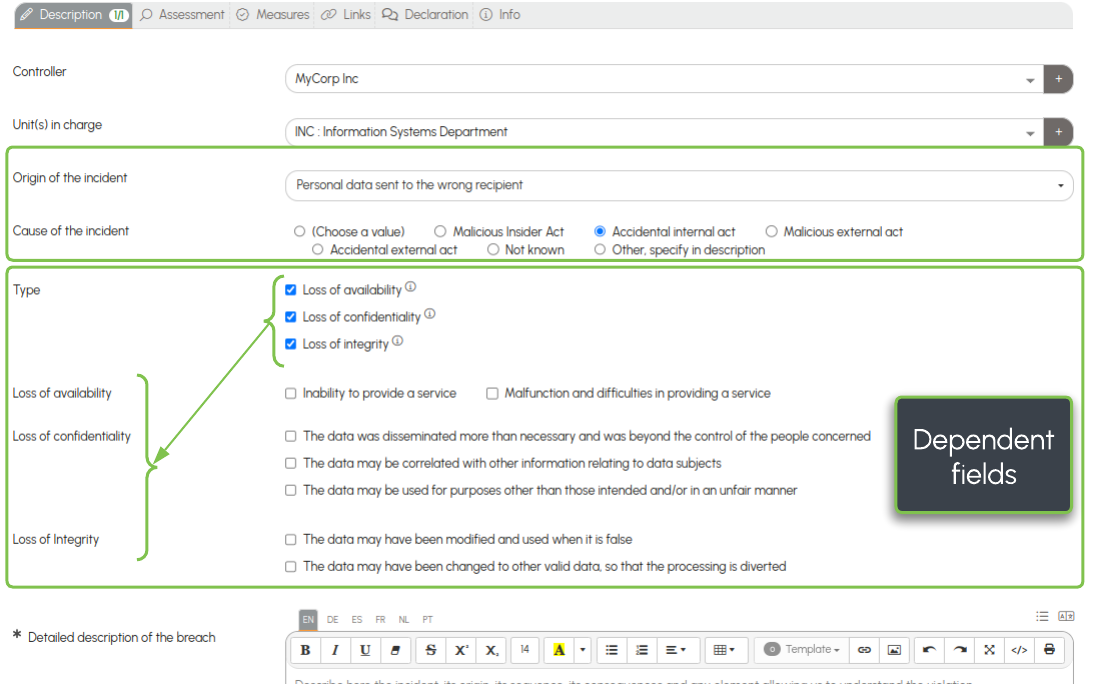
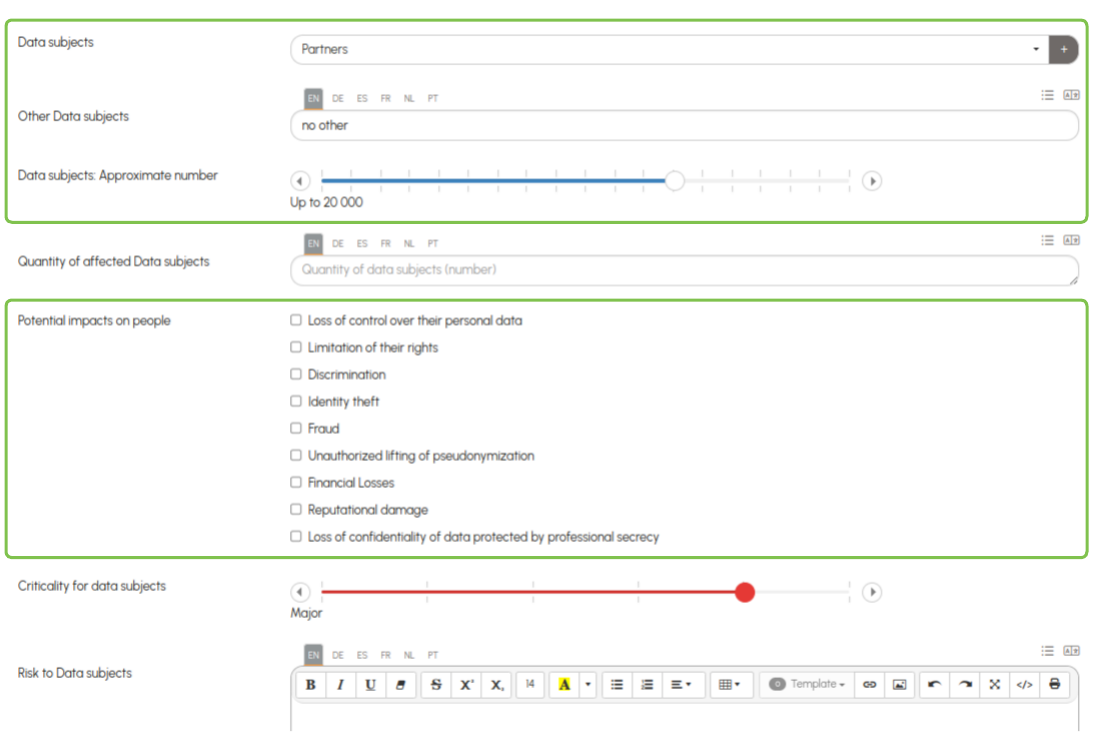
 Tab: Nature of Data, Other Data, Sensitive Data, Affected Individuals, Other Affected Individuals, Approximate Number of Affected Individuals, Impacts for Individuals.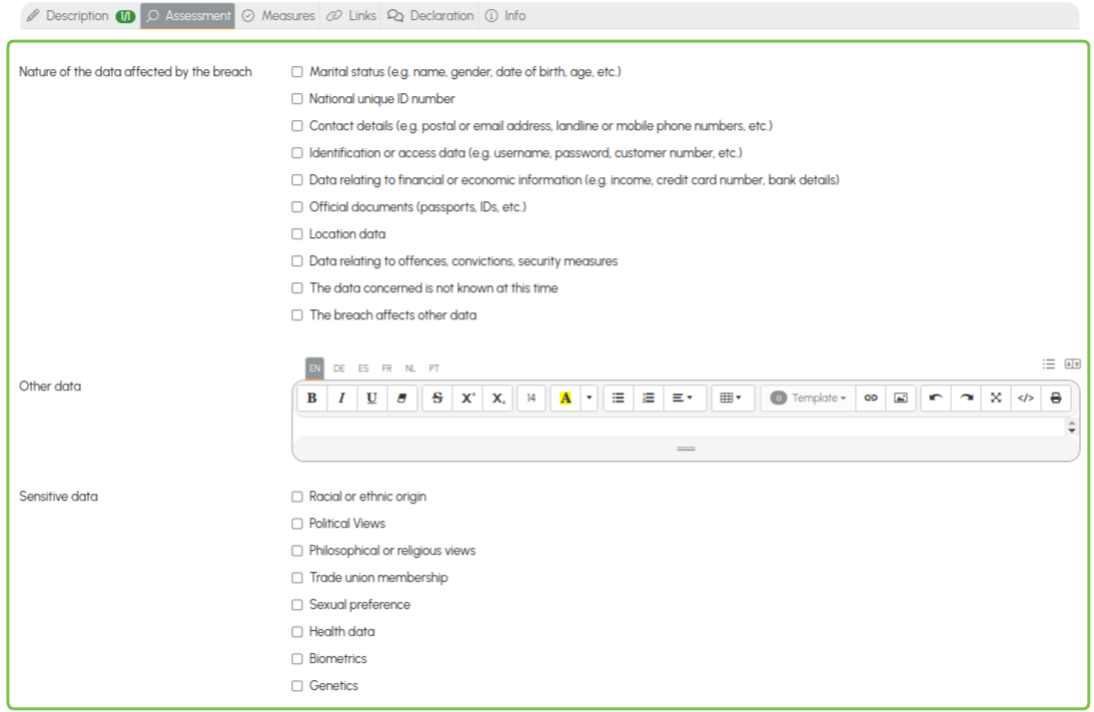
 Security Measures, two modifications: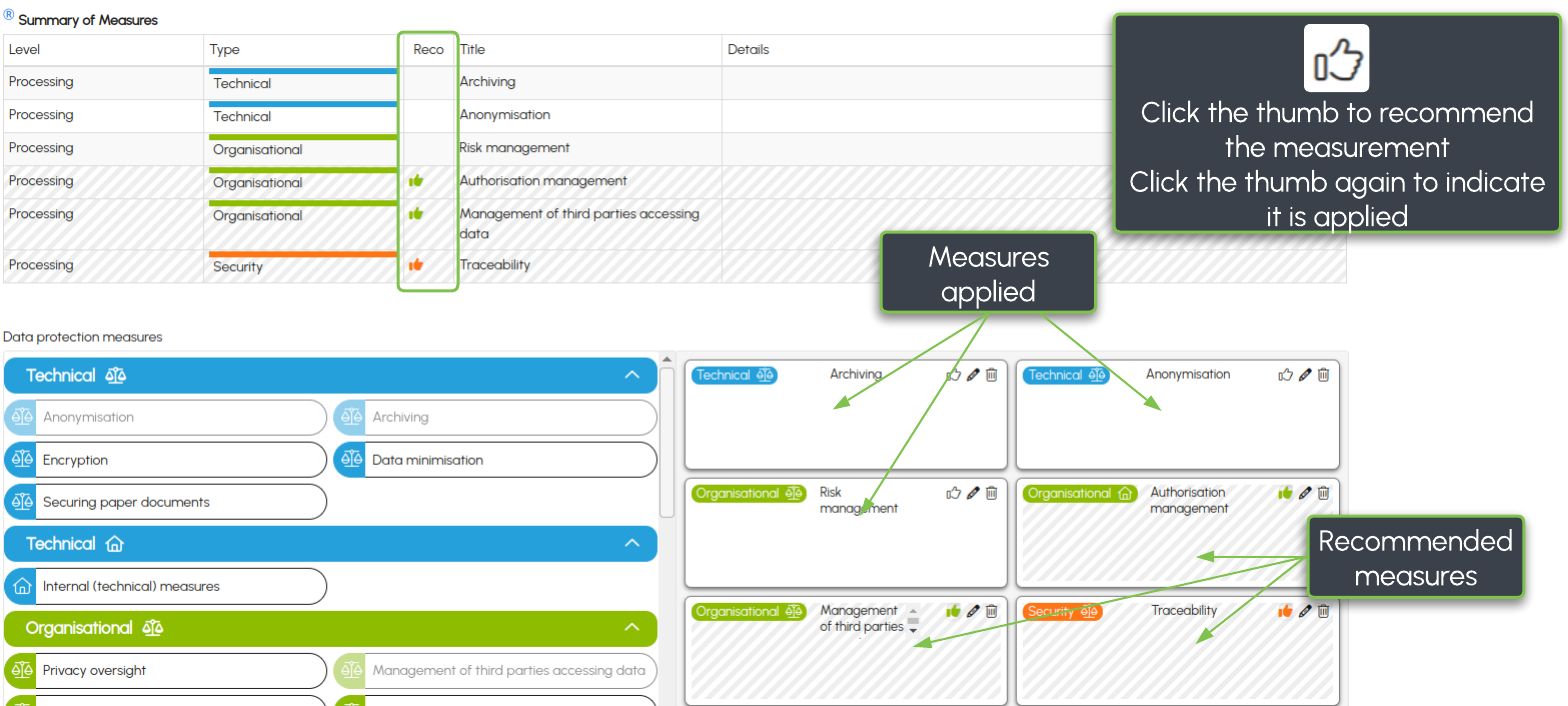
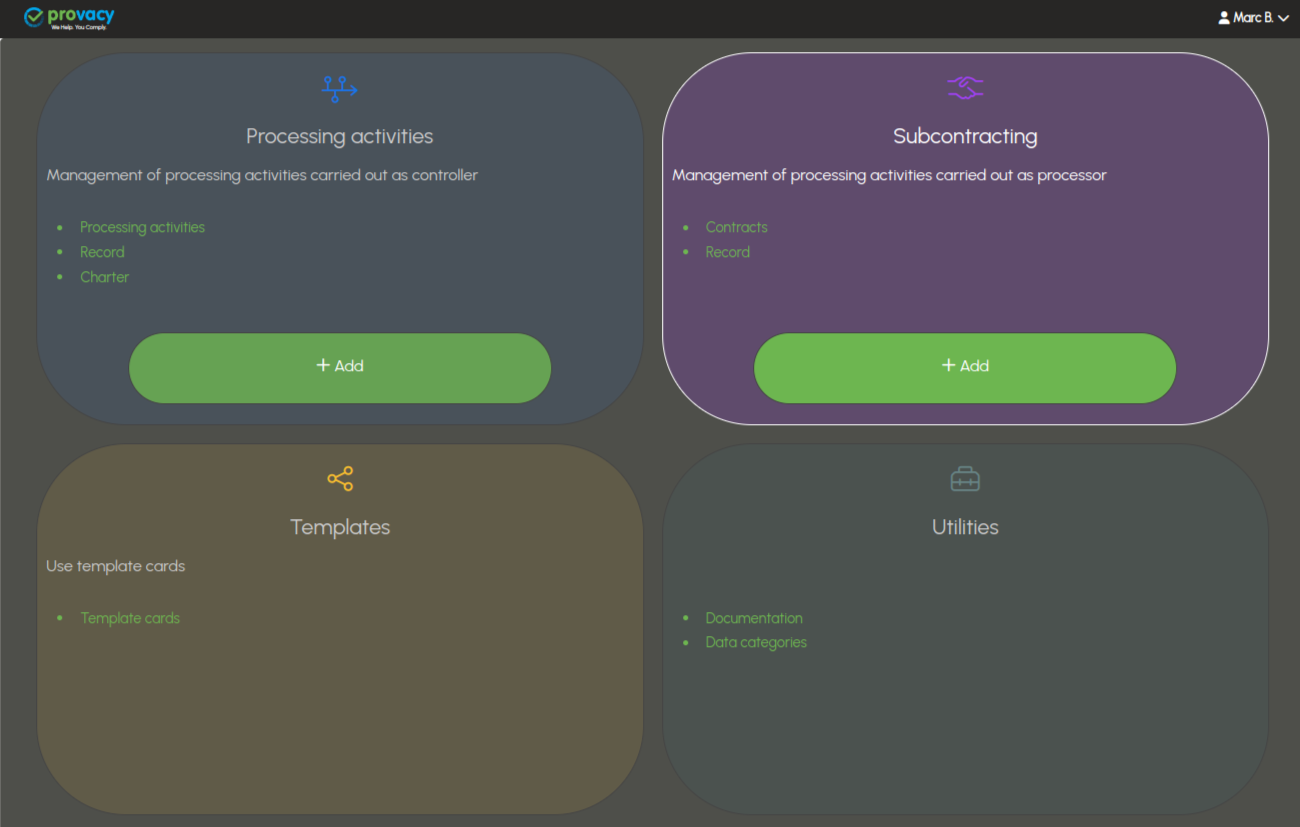
 Shortcuts for Entities, Units, Users, Third Parties, and Software & Tools.