
This interim release brings a range of improvements, many of them based on your feedback, to make your daily work easier and save you time.
Turn your assessments into action plans
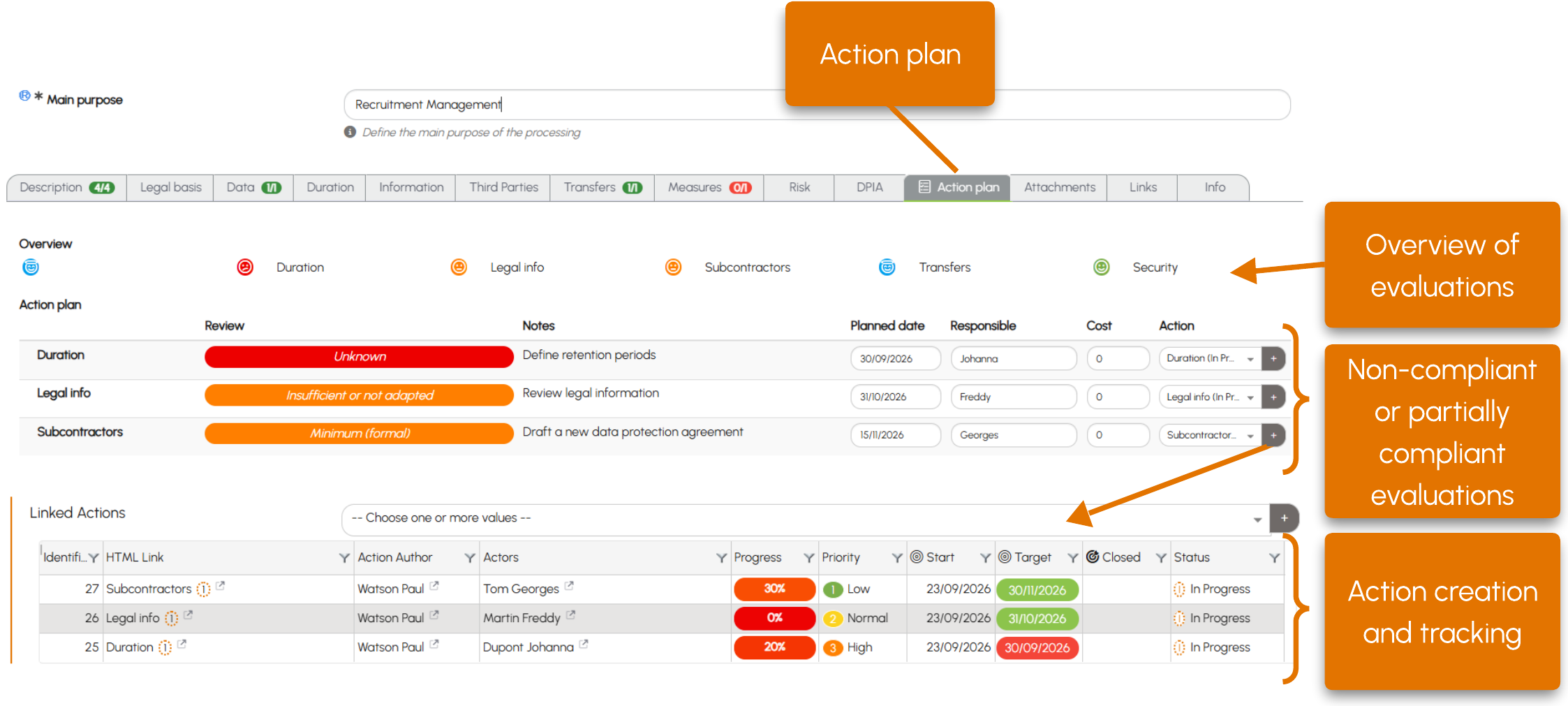
A new Action Plan tab is now available in processing activity records to help you monitor compliance.
As you complete a record, the assessments help you identify areas for improvement. You can now add comments directly to assessment fields to specify the actions to be taken.
The Action Plan tab brings together all assessments and highlights those that are non-compliant or partially compliant, along with the associated comments. This gives you a clear overview of the areas requiring particular attention.
To take action, click the + button in the list of assessments. An Action record is created with several fields automatically populated (title, details, data controller and unit). You can then complete the action by adding participants, a target date, email reminders or shared documents.


This feature is also available in DPIA and AI System forms. View the tutorial.
Quickly identify sensitive data
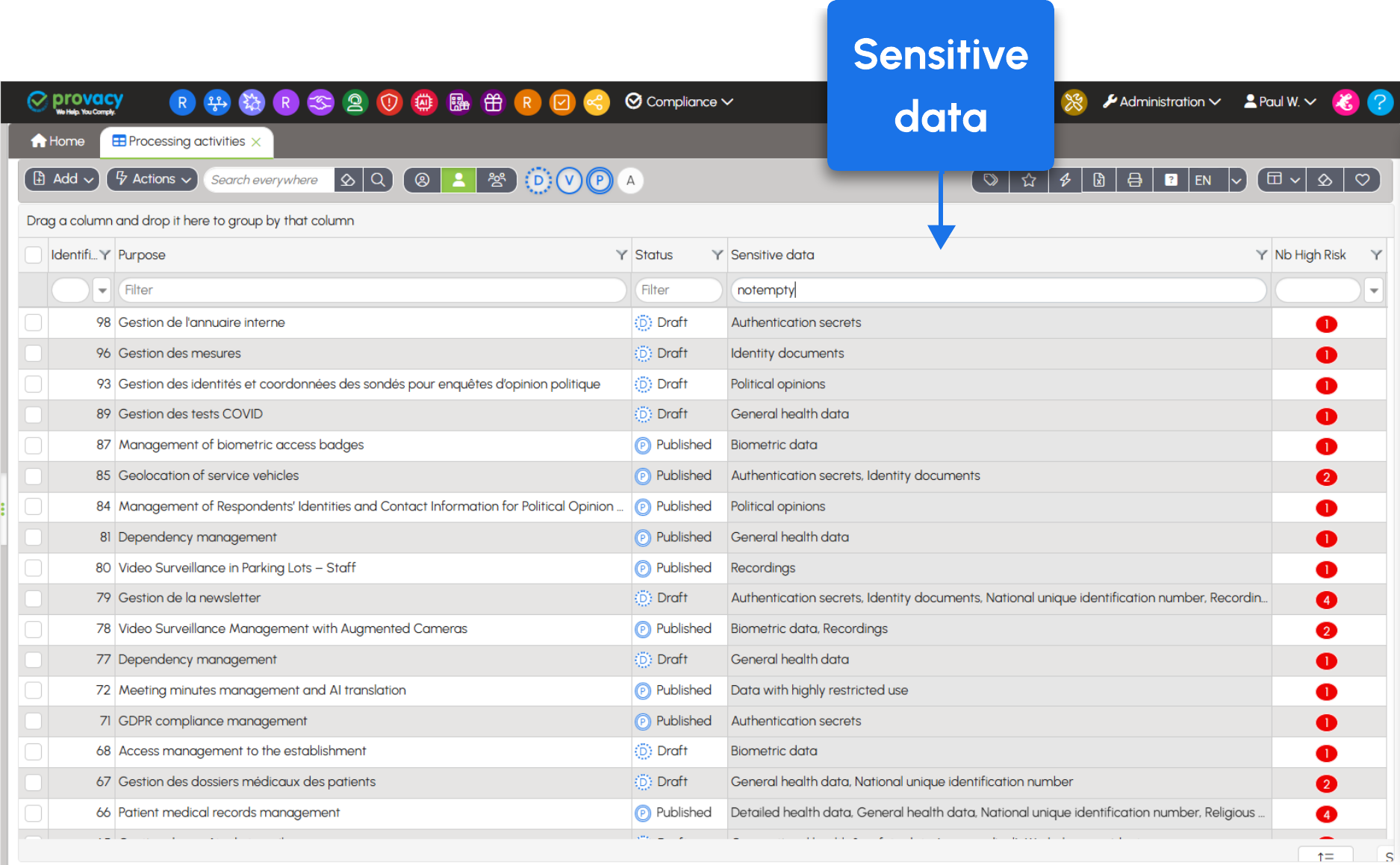
A new Sensitive Data column is available in the lists of processing activities and processing activities carried out as a processor. For each processing activity, it identifies the relevant categories of sensitive data, making it easier to isolate processing activities involving this type of data.
Export your data categories to Excel
Need to rework your list of data categories? You can now export it to Excel, including the associated classes and examples.
Go to Compliance > Utilities > Data Categories.
A more responsive application
Queries have been optimised to improve performance, particularly in lists, selectors and charts. This should result in faster response times, especially for instances containing large amounts of data.
Customise the column order in data tables
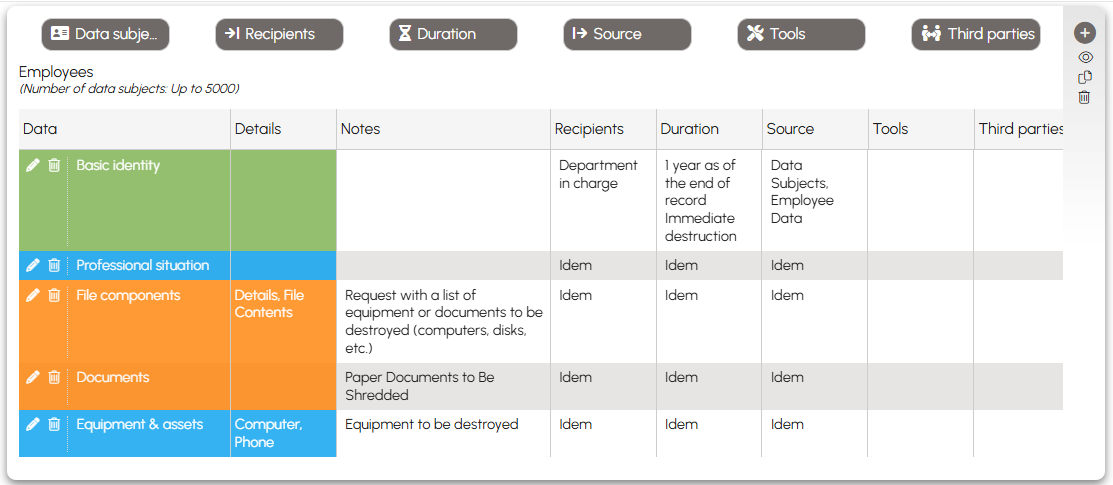
You can now request changes to the display order of columns in data tables, except for the first two columns. Organise your view to suit your needs, for example by moving the “Notes” column next to the relevant data. To do so, submit a request to Provacy Support.
Simplify the management of companies and their relationships
For organisations managing numerous companies, it is now possible to designate an entity as a Third Party using a checkbox. A corresponding Third Party record is then created automatically. This feature can be enabled upon request.
More readable labels for complex organisational structures
A new configuration allows the codes of parent entities or units to be included in full labels. This helps shorten organisational paths while maintaining clear identification.
Example:
Without codes: Human Resources Department – Personnel Administration – Payroll
With codes: HR – PA – Payroll
Zeus automatically populates more fields in your actions
When you ask Zeus to create actions from a processing activity record, the data controller and implementation unit are now automatically populated in the Action record. Less data entry, more time for what matters!
Find attachments more easily in Tchatch
Files submitted by the declarant via chat are now received in a dedicated field: Declarant Attachments. This makes them easier to find.
New names for administration menus
To support upcoming Provacy enhancements, two menus have been renamed:
Transfers is now International.
Tools is now IS – Assets.
Enjoy exploring Provacy version 5.7.3, and stay tuned for more updates!